
For IT and business-systems leads
One live warehouse inventory truth.
Connected to sales and finance.
ODIN owns physical stock state and work on the floor. ERP and accounting retain financial records, while sales channels receive current availability and fulfilment events.
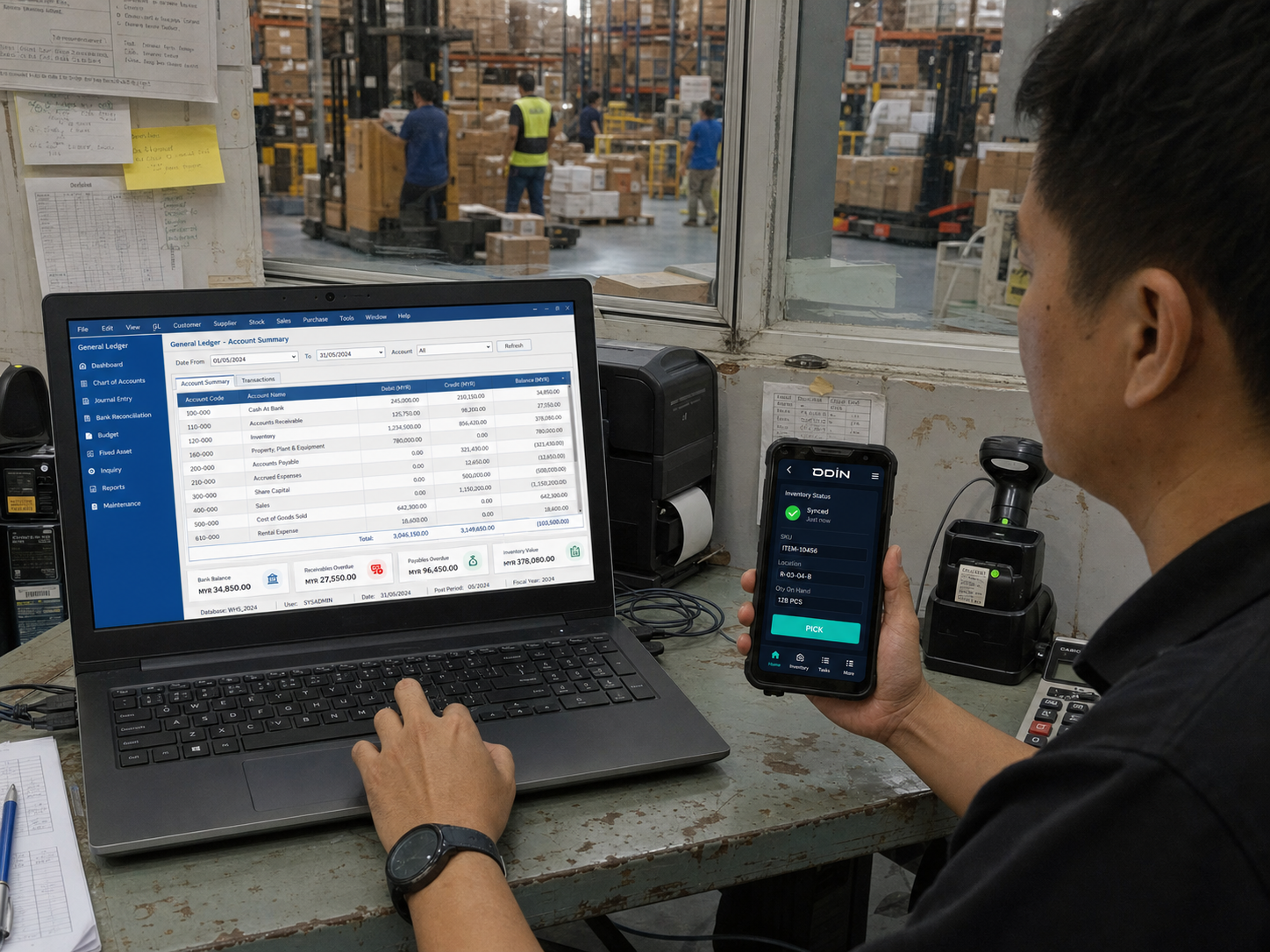
Map records into work—and work back into records
This example shows the architecture questions to resolve. It is not a claim that every named platform uses the same connector or event set.
Build an integration register before estimating effort
The register below is a scoping template. Replace the examples with verified connector status and customer-specific requirements.
| System group | Typical records | Direction | Scope status | Evidence required |
|---|---|---|---|---|
| Marketplaces / storefronts | Orders, cancellations, fulfilment and inventory events | Both | Confirm standard path | Platform, version/app, event list and volume |
| ERP / accounting | Items, purchase orders, sales orders and confirmations | Both | Confirm standard path | API documentation, owner and field mapping |
| Retail POS | Sales demand, replenishment and stock events | Both | Scope by workflow | System of record and update timing |
| Carriers / devices | Labels, handover status, scans and print jobs | Varies | Scope by workflow | Hardware, protocol, label and failure cases |
What an integration is held to
Technical proof covers normal operation and failure handling. “Integrated” is not a sufficient result.
Questions technical buyers should ask
Ask for system-specific answers. Avoid assuming that a platform logo proves a complete production workflow.
Does ODIN replace our ERP or accounting software?
No. ERP and accounting platforms normally retain commercial, financial and master-data responsibilities. The agreed architecture defines exactly which records ODIN reads, owns during warehouse work and returns.
Is every integration off the shelf?
No. Existing APIs and patterns may shorten delivery, but versions, custom fields, legacy constraints and business rules can change the scope. The integration register must label each path as verified standard, configured or specialised.
How should failures be handled?
Document validation, retry or replay behaviour, monitoring, alert ownership, reconciliation and the safe manual process for each critical event.
Bring the architecture diagram—or the spreadsheet that acts as one.
We will map record ownership, required events, standard paths and specialised work.